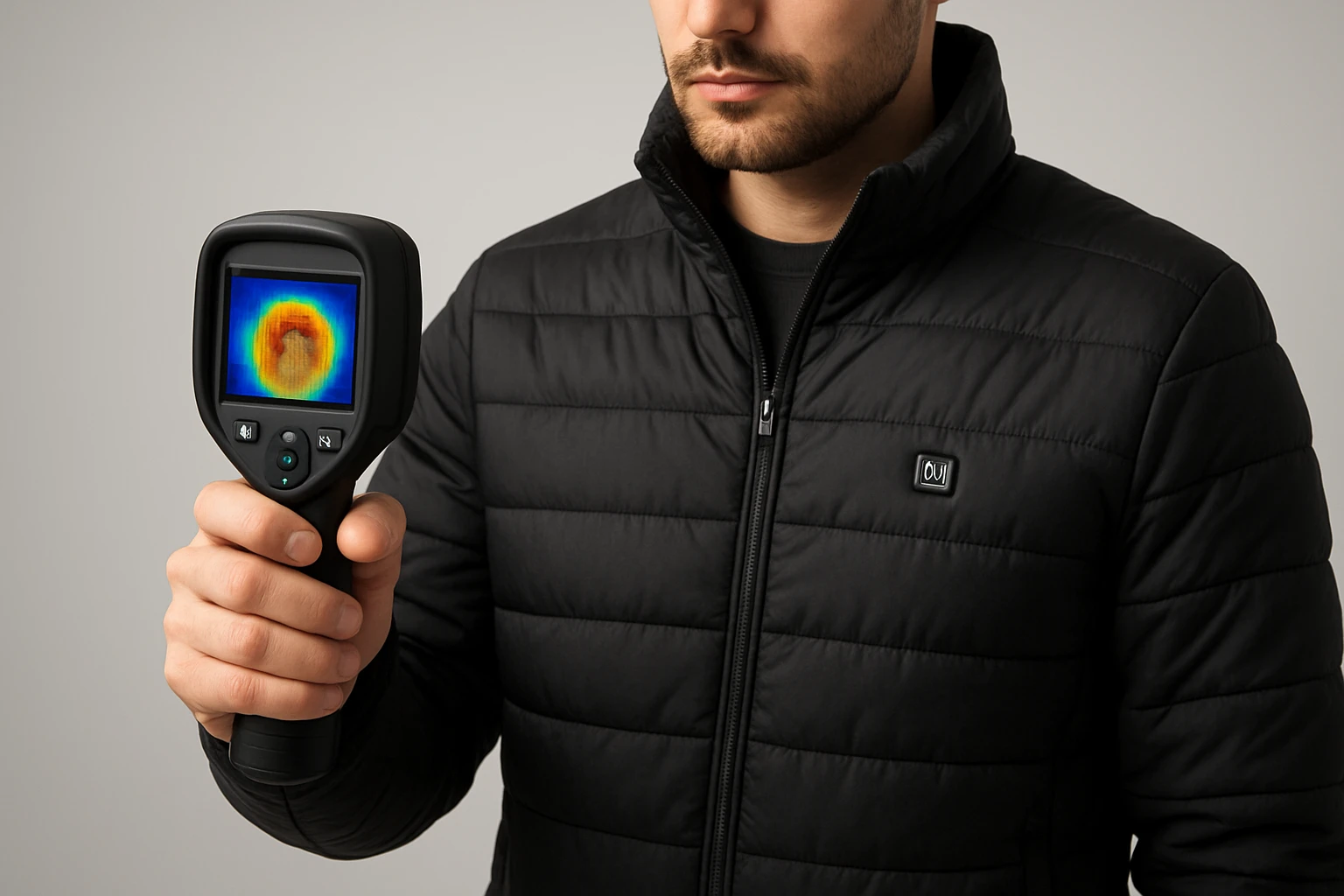
How to Measure Heat Distribution in Heated Jackets: Step-by-Step Guide Using Thermal Imaging and Sensors
Introduction
Accurate measurement of heat distribution in heated jackets is essential for ensuring comfort, safety, and energy efficiency. This guide will teach the reader how to capture precise thermal data, interpret temperature gradients, and validate the performance of heating elements. By following the outlined steps, one will be able to identify hot spots, cold spots, and uneven heating patterns that may affect user experience. The information presented is valuable for hobbyists, product developers, and field technicians who require reliable results without extensive laboratory equipment.
What You’ll Need
- A handheld thermal imaging camera (see product recommendations below)
- Non‑conductive gloves to handle the jacket without influencing temperature
- A stable, well‑ventilated testing area with ambient temperature between 68°F and 75°F
- A notebook or digital device for recording observations
- A calibrated reference thermometer for cross‑checking critical readings
Step 1: Prepare the Heated Jacket
Begin by fully charging the jacket according to the manufacturer’s instructions and allowing it to reach its normal operating temperature. Activate the heating zones for at least five minutes to ensure steady‑state conditions. Place the jacket on a flat, non‑reflective surface such as a matte board to avoid false reflections that could distort thermal readings. Ensure the surrounding environment is free from drafts, direct sunlight, or radiant heat sources that could interfere with the measurement process.
Step 2: Choose an Appropriate Thermal Camera
For basic inspections, the VectorPoint Mini Thermal Camera provides a compact solution with a 240 × 240 TSIR sensor, 25 Hz refresh rate, and a 2.8" screen. It costs $93.99 and holds a perfect rating of 5/5 based on five reviews, indicating reliable performance for entry‑level users. This device offers temperature alerts, adjustable emissivity, and an 18‑hour battery life, making it suitable for quick field checks.
If higher resolution is required, the HSFTOOLS F2W Thermal Camera employs a live super‑resolution algorithm that upscales the native 256 × 192 detector to a 640 × 480 output. Priced at $289.00 with a rating of 4.6/5 from 216 reviews, it delivers sub‑40 mK sensitivity and Wi‑Fi connectivity for easy image transfer. The broader temperature range and advanced color palettes support detailed analysis of subtle thermal variations.
For professional‑grade diagnostics, the Thermal Master Handheld Thermal Camera offers a 512 × 384 resolution, a 3.5" IPS display, and a 2 MP visual camera. At $359.10 and a rating of 4.4/5 from 199 reviews, it includes wireless image transmission, 8 GB RAM, and 32 GB storage, enabling comprehensive data capture and post‑processing. Select the camera that matches the required level of detail and budget.
Step 3: Calibrate the Thermal Camera
Before imaging the jacket, calibrate the camera using a known temperature source such as an ice bath (0°F) and a warm water bath (100°F). Activate the camera’s emissivity setting and adjust it to 0.95 for typical fabric surfaces; this value compensates for the jacket’s textile properties. Record the temperature readings displayed for each reference point and compare them with the reference thermometer. If discrepancies exceed ±2 °F, perform a factory reset and repeat the calibration process.
Step 4: Capture Baseline Thermal Images
Position the camera approximately 12 inches above the jacket to achieve a full‑field view while maintaining the recommended focus distance. Use the camera’s auto‑shutdown timer set to 20 minutes to preserve battery life during prolonged sessions. Initiate the capture mode and record a series of images covering the front, back, sleeves, and any integrated heating zones. The VectorPoint Mini Thermal Camera stores up to 10,000 photos on its 16 GB eMMC, allowing easy retrieval for later analysis.
For more detailed imagery, the HSFTOOLS F2W can stream images via Wi‑Fi to a smartphone, enabling real‑time comparison of temperature gradients across multiple zones. Its built‑in 16 GB storage accommodates up to 35,000 images, ensuring no data loss during extensive testing.
Step 5: Analyze Temperature Distribution
Import the captured images into thermal analysis software or the camera’s native app. Identify the maximum, minimum, and average temperatures for each heating element. Pay particular attention to color palette selections; the “Rainbow” palette often highlights subtle differences, while “Iron” emphasizes high‑temperature regions. Record the temperature differentials between adjacent zones; a variance greater than 5 °F may indicate uneven heating.
When using the Thermal Master Handheld Thermal Camera, take advantage of its six‑point measurement feature to simultaneously log center, hottest, coldest, and three user‑defined points. This capability reduces the time required to map temperature across the entire garment and provides a quantitative dataset for reporting.
Step 6: Document Findings and Recommend Adjustments
Compile the temperature data into a structured report that includes images, numeric readings, and visual heat maps. Highlight any areas where temperature exceeds the design specifications or where cold spots are present. Suggest corrective actions such as adjusting power levels, repositioning heating elements, or improving insulation layers. If the jacket is intended for commercial sale, include a compliance statement referencing relevant safety standards.
Tips & Pro Tips
- Always wear non‑conductive gloves when handling heated garments to avoid altering surface temperatures.
- Use a tripod or stable mount for the thermal camera to maintain consistent distance and angle throughout the test.
- When possible, perform measurements in a climate‑controlled chamber to eliminate ambient fluctuations.
- Leverage the camera’s built‑in temperature alerts to automatically flag readings that exceed safe limits.
- For large‑scale testing, consider batch processing images with software that can automatically extract temperature statistics.
Troubleshooting
Problem: The camera displays inconsistent temperatures across repeated scans.
Solution: Verify that emissivity is correctly set for the fabric type and ensure the lens is clean. Allow the camera to warm up for at least two minutes before measurement.
Problem: Battery drains rapidly during a session.
Solution: Reduce the auto‑shutdown interval to 10 minutes and lower screen brightness. Use the supplied USB‑C cable for fast charging between tests.
Conclusion
Measuring heat distribution in heated jackets using thermal imaging tools provides actionable insights that improve product performance and user safety. By preparing the garment, selecting an appropriate camera, calibrating accurately, capturing comprehensive images, and analyzing the data methodically, one can identify and correct thermal inconsistencies. The techniques described herein are applicable to a wide range of wearable heating solutions and can be adapted to other textile‑based temperature applications.
Products Mentioned in This Guide
Frequently Asked Questions
What equipment is required to measure heat distribution in a heated jacket?
You need a handheld thermal imaging camera, non‑conductive gloves, a calibrated reference thermometer, and a stable testing environment.
How does ambient temperature affect thermal measurements of heated jackets?
Testing in a room between 68°F and 75°F minimizes external influences and ensures consistent temperature gradients.
Why should non‑conductive gloves be used when handling the jacket?
They prevent body heat from altering the jacket’s surface temperature, keeping measurements accurate.
What are common signs of uneven heating in a jacket?
Hot spots, cold spots, and irregular temperature gradients visible on a thermal image indicate uneven heating.
How can I validate thermal camera readings with a reference thermometer?
Compare critical points on the thermal image with readings from a calibrated thermometer to confirm camera accuracy.